
STEP Files in a Nutshell
STEP files help manufacturers review the 3D geometry, structure and manufacturability of custom bag hardware before sampling or quotation. A STEP file alone is not enough — it should be supported by material, finish, tolerance, logo and quantity requirements, because the file shows shape but not specification. Maya Metal's engineering team reviews 3D design files for custom stainless steel and brass hardware projects; supported file formats should be confirmed with the engineering team when files are submitted.
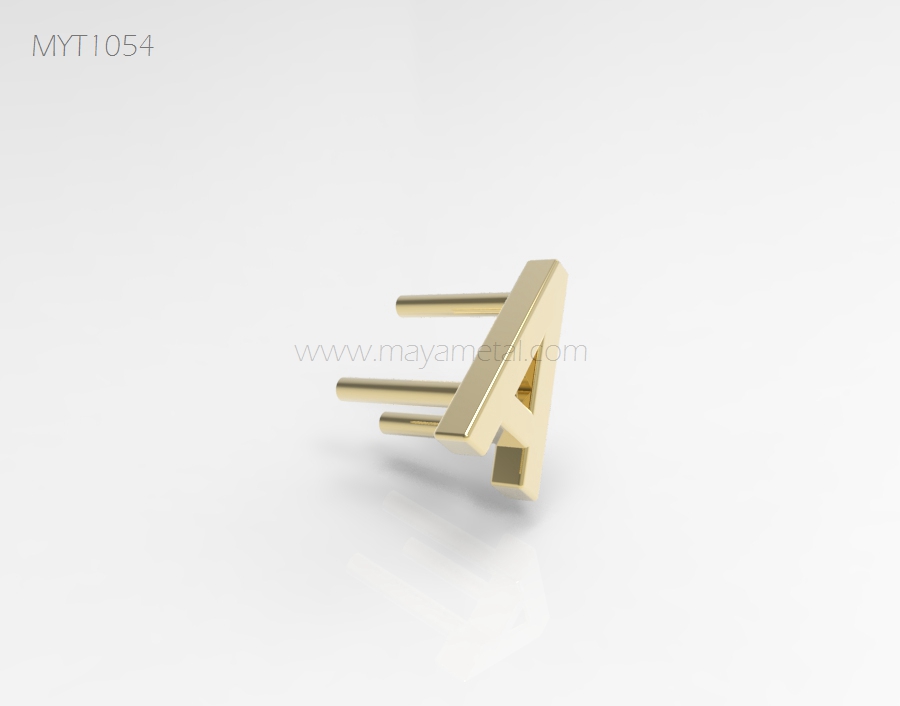
What Is a STEP File?
A STEP file (Standard for the Exchange of Product model data, usually with a .stp or .step extension) is a neutral 3D CAD format that carries the solid geometry of a part. Unlike a native CAD file tied to one software, a STEP file can be opened by most engineering and manufacturing systems, which makes it the common handover format between a brand's designer and a hardware manufacturer.
For bag hardware, a STEP file typically describes the solid body of a lock, buckle, ring, hook or decorative plate: outer shape, thickness, holes, recesses and mating features. It tells the manufacturer what the part looks like in three dimensions, accurately enough to evaluate structure and plan production.
Why Do STEP Files Help Hardware Development?
STEP files remove guesswork from geometry. A 2D drawing can be misread and a photo can be misjudged, but a 3D model lets the engineering team rotate the part, measure sections, check wall thickness and see how two halves of a lock fit together before anything is made.
They also speed up manufacturability review. The team can check whether a wall is too thin to cast, whether a corner radius will survive forming, whether an undercut complicates the mold, and whether a spring or magnet cavity has enough room. Catching these issues in the model stage avoids tooling changes later, which is why this review is a standard step in custom handbag hardware development.
Finally, STEP files keep revisions traceable. When a design changes, the updated model replaces the old one as the single geometric reference, and both sides can compare versions instead of arguing over marked-up screenshots.
What Do STEP Files Not Show?
A STEP file shows shape, not specification. It does not reliably communicate material — the same model could be intended as stainless steel or brass, with very different cost, weight and finish implications. It does not define the surface finish: polished, brushed, plated, PVD or antique are decisions the file cannot express.
It also does not state tolerances clearly for manufacturing purposes. A model is geometrically "perfect," but production needs to know which dimensions are critical — the inside width of a D ring that must fit a 20 mm strap, or the alignment of a lock's two halves — and how much deviation is acceptable.
Logo detail is another gap. Fine engraving lines, small text and shallow relief that look clean in a render may not reproduce in casting or engraving. Logo artwork and size requirements should travel alongside the model, not inside it.
What Additional Information Does the Manufacturer Need?
| Beyond the STEP File | Why It Is Needed |
|---|---|
| Material (stainless steel or brass) | Determines production route, weight, cost and finish options |
| Finish target + reference | The model cannot express color, gloss or texture |
| Critical dimensions and tolerances | Production needs to know what must be exact, e.g. strap fit |
| Logo artwork (vector) + placement | Engraving or stamping feasibility must be reviewed separately |
| Quantity per SKU | Affects process choice, tooling decision and MOQ |
| Assembly / installation context | How the part mounts to the bag affects structure review |
| Testing requirements | Salt spray, nickel release or functional tests change the spec |
Sending this information with the model turns a geometry file into a quotable project. Without it, the manufacturer's reply will be a list of questions instead of a price and a plan.
How Does the Drawing Review Process Work?
Drawing review starts with the engineering team opening the model and checking structure, dimensions and manufacturability against the intended production process — casting, stamping, forming or machining. Anything risky is flagged: thin walls, sharp internal corners, deep recesses that complicate finishing, or mechanisms without clearance.
Next comes feedback and revision. The manufacturer proposes adjustments — often small changes to radii, wall thickness or attachment features — and the buyer updates the model or approves the suggestions. This loop continues until both sides agree the design is ready for sampling.
The approved model then anchors everything downstream: tooling is built to it, samples are measured against it, and production inspection checks critical dimensions from it. If a STEP-based project is part of a larger sourcing plan, the custom bag hardware RFQ guide shows how the file fits into a complete inquiry, and the manufacturing process overview explains what happens after approval.

